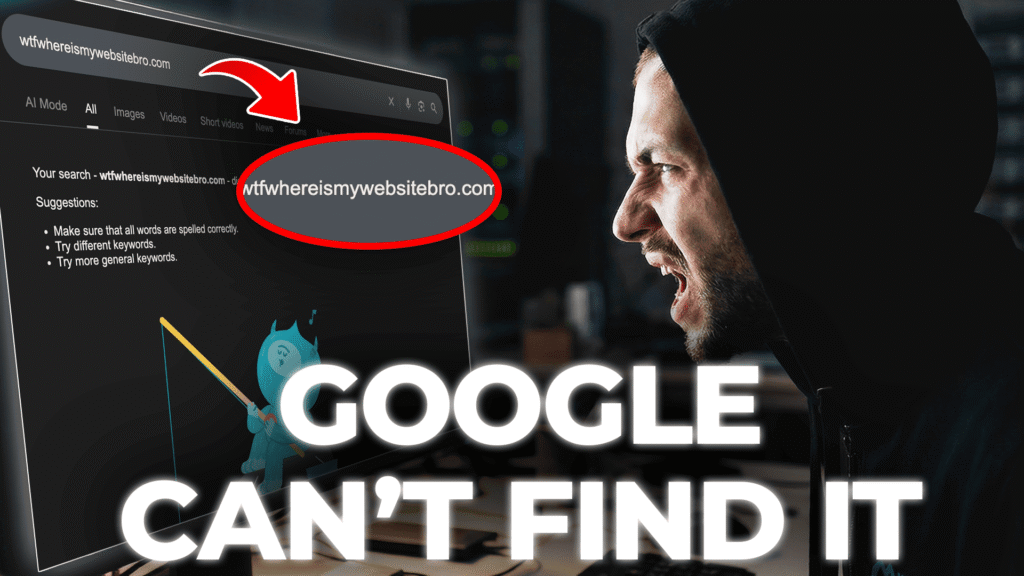
Have you noticed a sudden drop in your blog’s search visibility recently? If you open Google Search Console (GSC) and find that Google is only indexing your homepage while ignoring all new category pages and blog posts, you are not alone.
Since the start of November 2026, thousands of niche bloggers and digital marketers have reported this exact issue. In this quick guide, we will break down why this indexing anomaly is happening right now and how you can fix it using Instant Indexing APIs.
Why is Google Only Indexing the Homepage Right Now?
Based on recent updates from the Google Search Status Dashboard and discussions across top SEO forums, this issue is tied to a temporary indexing rendering bug mixed with tightening quality thresholds.
Here are the primary reasons behind this November 2026 indexing loop:
- Google API Rendering Bug: Google’s automated bots are currently experiencing timeout issues while crawling internal links, leaving only the root domain (homepage) fully rendered.
- Aggressive Dynamic Caching: Many web hosts and CDNs (like Cloudflare) have updated their caching rules this month, inadvertently blocking Googlebot from parsing deeper URL structures.
- Stricter E-E-A-T Filters: Google has deployed an unconfirmed quality update that temporarily soft-deindexes thin or highly patterned internal pages until manual verification or fresh API pings occur.
How to Fix the “Only Homepage Indexing” Issue (Step-by-Step)
1. Force Clear Your CDN and Server Cache
Before asking Google to re-crawl your site, ensure your server isn’t serving an outdated sitemap or page layout to Googlebot.
- Log into your Cloudflare or hosting dashboard.
- Go to Caching > Configuration.
- Click Purge Everything.
2. Leverage Rank Math / Google Instant Indexing API
Since standard sitemap crawling is lagging due to the bug, using the Google Indexing API bypasses the regular queue.
- Go to your WordPress Dashboard > Instant Indexing.
- Paste the URLs of the specific posts that are not indexing.
- Select the action as Publish/update URL and click Send to API.
- Tip: This forces Googlebot to prioritize your inner URLs within minutes.
3. Implement Temporary Hardcoded Sidebar Links
Since Googlebot is failing to crawl deep pagination right now, bring your most important internal posts directly to the homepage.
- Add a “Recent Posts” or “Featured Articles” widget directly to your homepage’s sidebar or footer.
- This transfers authority immediately from the indexed homepage to your stuck inner pages.
Final Thoughts
Don’t panic if your traffic charts show a temporary dip. This is a known search engine volatility phase for November 2026. By utilizing the Instant Indexing API and clearing your edge caches, you can push Googlebot to look beyond your homepage and get your traffic back on track.