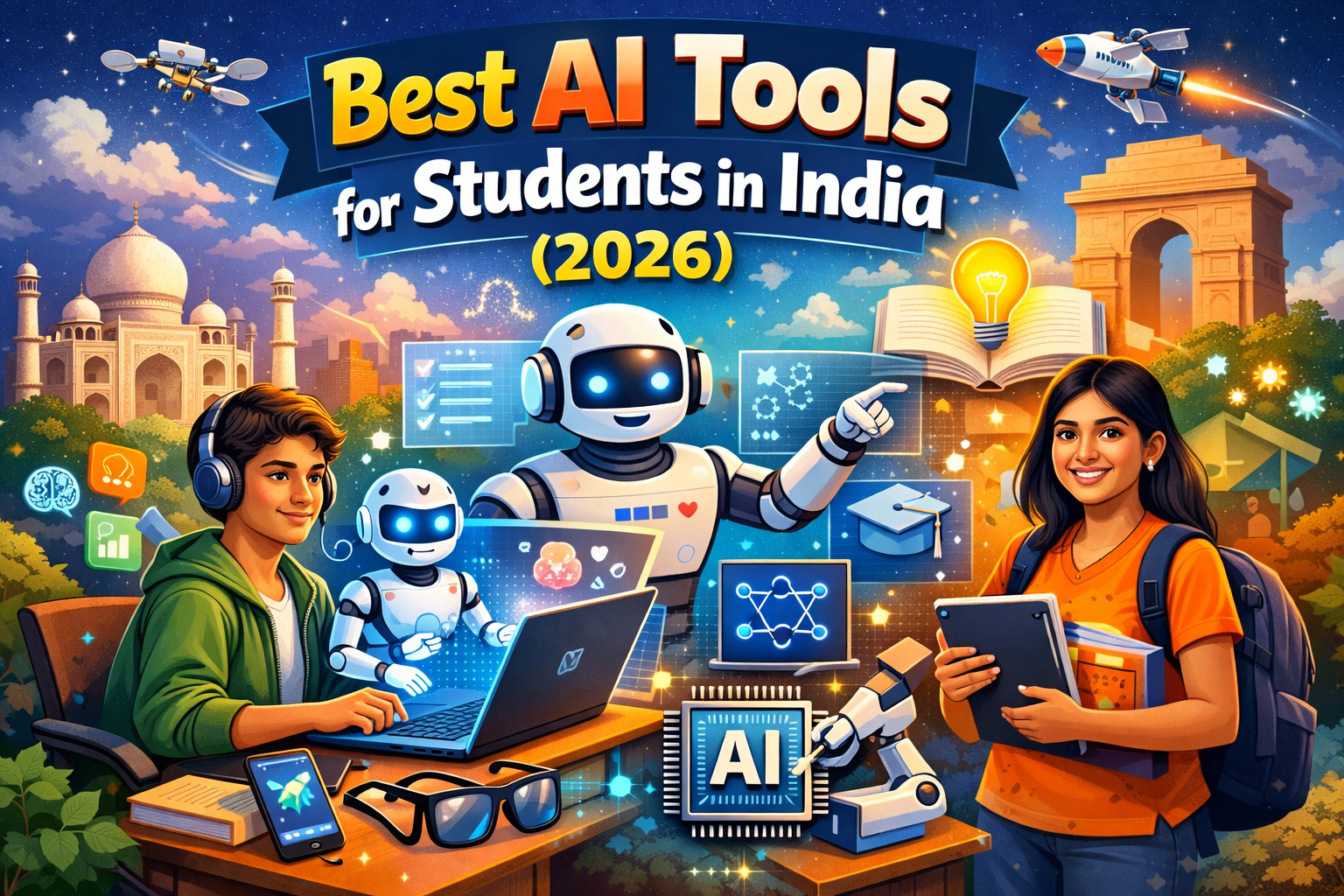
A student in Nagpur with a smartphone and Rs.0 in their pocket can now access better AI-powered study tools than a student at a top university could access three years ago. This is not hyperbole — it is the actual state of AI education technology in India in 2026.
Table of Contents
Indian students are using AI tools to prepare smarter for competitive exams like JEE, NEET, and UPSC, complete assignments faster, write better English, and build coding projects that land them internships. The tools are free, they work on 4G, and most of them support Hindi or regional languages.
The problem is that most guides on this topic are either written for Western audiences (with pricing in dollars that doesn’t translate), or they list tools that are theoretically free but practically useless within their free tier limits. This guide is different. Every tool here has been verified to work in India in March 2026, with honest free-tier assessments and pricing in Indian Rupees.
| ⚡ TIME-SENSITIVE OFFERS Google Gemini Pro is free for 1 year for university students (sign up before April 30, 2026). ChatGPT Go is free for 12 months for all Indian users under a promotional offer valid until December 16, 2026. Perplexity Pro is free for verified students. These deadlines are real — do not miss them. |
· · ·
Writing & Research Tools

Writing & Research: Best AI for Assignments and Papers
These four tools cover the core writing and research needs of every Indian student — from Class 11 school assignments to MBA dissertations.
| 01 | ChatGPT Best all-round AI assistant for Indian students [FREE] [WORKS IN INDIA] [MOST POPULAR] |
ChatGPT by OpenAI is the most widely used AI tool among Indian students because it does everything competently — explain concepts, write essays, solve math, debug code, and answer exam-style questions — in plain, clear English or Hindi. ChatGPT Go (GPT-5) is currently free for 12 months for Indian users via UPI (Rs.1 validation, refunded immediately).
- Explains complex NCERT, JEE, and NEET concepts in simple terms on demand
- Generates essay outlines, introductions, and full drafts for college assignments
- Answers follow-up questions in the same conversation — works like a private tutor
- ChatGPT Go is currently free for 12 months for Indian users via UPI verification
- Available in Hindi and understands Hinglish prompts naturally
PRO TIP: Prompt it with: “Explain [concept] like I’m a Class 12 student preparing for JEE, with a real-world example.” The specificity dramatically improves the response.
| Free Tier | Paid (Go) | Best For | Needs VPN? |
| GPT-4o unlimited | Rs.0 till Dec 2026 | All subjects, all levels | No |
| 02 | Perplexity AI Best research tool — cites every source automatically [FREE TIER] [WORKS IN INDIA] |
Perplexity is the best AI research tool for students because it never gives you an answer without showing you where it came from. Every response links to the actual websites used — critical for academic integrity and for learning to verify sources. Academic Mode pulls specifically from peer-reviewed papers and journals.
- Cites clickable sources with every answer — essential for term papers and UPSC prep
- Academic Mode pulls specifically from peer-reviewed papers and journals
- Study Mode creates flashcards and quizzes from your research automatically
- Perplexity Education Pro is free for 1 year for verified students (student email required)
- Real-time web search means current affairs answers are always up-to-date
PRO TIP: Use Academic Mode for literature surveys and ask “What are the key debates around [topic] in recent academic literature?” — it surfaces papers you would otherwise miss.
| Free Tier | Student Pro | Best For | Needs VPN? |
| ~5 Pro searches/day | Free (verify email) | Research, UPSC current affairs | No |
| 03 | Grammarly Best writing checker — fixes grammar, tone, and clarity [FREE TIER] [WORKS IN INDIA] |
Grammarly installs once in your browser and quietly fixes spelling, punctuation, and clarity mistakes across every tab — Gmail, Google Docs, college portals, LinkedIn. For Indian students writing in English as a second language, this tool eliminates the small errors that cost easy marks on assignments.
- Real-time grammar and spelling correction across all web apps
- Tone detection tells you if your email sounds too casual or too aggressive
- Clarity suggestions restructure confusing sentences without changing your meaning
- Plagiarism checker in the paid tier — useful before final submission
- Works natively in Google Docs, Microsoft Word, and all browsers
PRO TIP: Run every assignment through Grammarly before submitting. Takes 30 seconds and consistently eliminates errors that cost 2-5 marks on college assignments.
| Free Tier | Premium | Best For | Needs VPN? |
| Grammar + spelling | ~Rs.800/month | All written assignments | No |
| 04 | QuillBot Best paraphrasing and summarisation tool [FREE TIER] [WORKS IN INDIA] |
QuillBot does two things exceptionally well: it rewrites your rough drafts into cleaner, more professional prose, and it summarises long academic texts into concise notes. For students who struggle with expressing ideas in English, QuillBot is the bridge between what you know and what you write.
- Paraphraser rewrites text in seven modes: Standard, Fluency, Formal, Academic, and more
- Summariser condenses long textbook chapters and research papers into key points
- Grammar Checker integrated alongside paraphrasing for one-stop editing
- Free tier allows up to 125 words paraphrased per use — sufficient for paragraph-level editing
- Directly integrated into Google Docs via browser extension
PRO TIP: Use Academic mode when paraphrasing for assignments — it keeps formal vocabulary and maintains the original meaning more precisely than Standard mode.
| Free Tier | Premium | Best For | Needs VPN? |
| 125 words/use | ~Rs.700/month | Paraphrasing, note summaries | No |
· · ·
Study & Note-Taking Tools

Study & Note-Taking: Organise, Retain, and Recall Faster
These three tools help Indian students convert raw notes, PDFs, and textbooks into active study systems — structured, searchable, and AI-queryable.
| 05 | Google NotebookLM Best AI for studying from your own notes and PDFs [COMPLETELY FREE] [WORKS IN INDIA] [HIDDEN GEM] |
NotebookLM is Google’s research and study assistant that only answers from the documents you upload — your NCERT PDFs, lecture notes, or past year papers. Because it stays within your sources, it does not hallucinate facts, making it the most reliable AI tool for exam preparation. Completely free with no subscription required.
- Upload your own PDFs and it becomes a private AI tutor locked to your material
- Ask questions about specific chapters: ‘What are the key differences between mitosis and meiosis?’
- Generates study guides, timelines, and topic summaries from uploaded content
- Audio Overview feature creates podcast-style conversations explaining your uploaded documents
- Completely free — no limits on queries, no subscription required
PRO TIP: Upload 5 years of JEE Past Year Question papers and ask: ‘What topics appear most frequently in JEE Mains Physics? Group them by frequency.’ You get an instant priority map for revision.
| Free Tier | Paid | Best For | Needs VPN? |
| Completely free | N/A | JEE/NEET/UPSC PYQ analysis | No |
| 06 | Google Gemini Best for Hindi support and Google Workspace integration [FREE TIER] [WORKS IN INDIA] |
Google Gemini is the best AI tool for students who work primarily in Hindi or regional languages, and for anyone already using Google Docs, Sheets, Gmail, and Drive. It integrates natively into these tools and understands code-switching between Hindi and English naturally. Gemini Pro is free for 1 year for university students with a valid college email (until April 30, 2026).
- Deep integration with Google Docs, Sheets, Gmail, and Google Drive
- Strong Hindi and regional language support — ask in Hindi, get answers in Hindi
- Gemini Pro free for 1 year for university students (valid college email, before April 30, 2026)
- Deep Research feature for comprehensive multi-source topic analysis
- Works within Gmail to draft and summarise emails, useful for college correspondence
PRO TIP: Sign up for the free student program at gemini.google/students/ before April 30, 2026 — you get Gemini 3 Pro, Deep Research, and 2TB Google Drive storage free for a full year.
| Free Tier | Student Pro | Best For | Needs VPN? |
| Gemini 2.0 Flash | Free till April 30 | Hindi, Google Workspace | No |
| 07 | Notion AI Best for organising notes, schedules, and projects [FREEMIUM] [WORKS IN INDIA] |
Notion AI combines the best note-taking app with an AI assistant that can summarise chapters, generate study schedules, and organise your academic life in one place. Students who struggle with managing notes across multiple subjects find Notion AI transforms their workflow.
- Generates chapter summaries from your own notes in seconds
- Builds topic-wise study schedules and revision timetables on request
- AI-powered search across all your notes — find anything from any page
- Templates for study plans, project trackers, and exam prep calendars
- Notion is free for individuals; AI features require the Plus plan at ~Rs.800/month
PRO TIP: Use the free tier of Notion for note organisation without AI. Upgrade only during exam season when AI summaries and schedules provide the highest return.
| Free Tier | Plus + AI | Best For | Needs VPN? |
| Notes only, no AI | ~Rs.800/month | Study organisation, planning | No |
· · ·
JEE / NEET / UPSC Tools
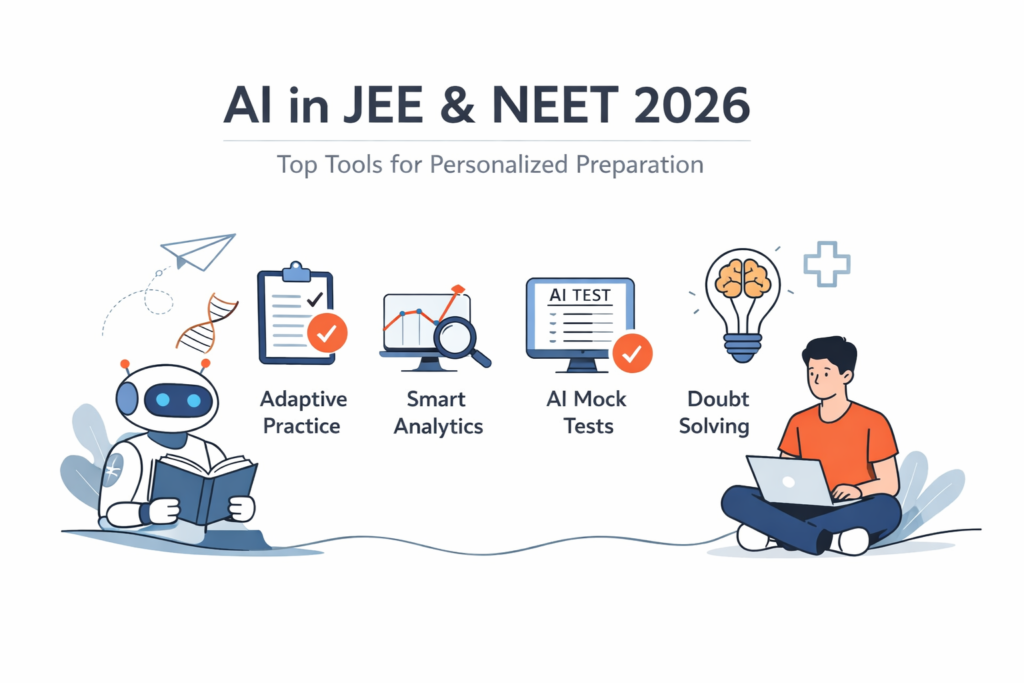
Exam Preparation: India-Built Tools for Competitive Exams
These three tools are purpose-built for the specific demands of Indian competitive examinations — they understand NCERT content, solve handwritten problems, and support Hindi explanations out of the box.
| 08 | Doubtnut by Allen Best photo-based math and science doubt solver [FREE] [MADE IN INDIA] [32M USERS] |
Doubtnut is an Indian-built AI tool that lets students photograph any printed or handwritten question — from any NCERT textbook, state board textbook, or JEE/NEET exam paper — and receive a step-by-step video solution within seconds. With over 32 million users, it is one of the most-used ed-tech tools in India.
- Point your camera at any math or science question — get instant step-by-step solutions
- Covers NCERT, JEE Mains, JEE Advanced, NEET, CBSE, and all major State Boards
- Solutions explained in Hindi and English — choose your preference
- Works on handwritten questions, not just printed text
- Completely free on Android and iOS — no subscription required for core features
PRO TIP: Use Doubtnut specifically for problems where you need to see the solving method, not just the answer. Watching the step-by-step video builds the pattern recognition needed for JEE/NEET.
| Free Tier | Platform | Best For | Language |
| Fully free | Android, iOS | JEE/NEET Maths & Physics | Hindi + English |
| 09 | Socratic by Google Best for Class 9-12 NCERT concept explanations [COMPLETELY FREE] [WORKS IN INDIA] |
Socratic is Google’s AI-powered homework help app designed specifically for school students. Point your camera at any NCERT or state board question and it delivers a visual, concept-first explanation — not just the answer. It is particularly strong for students in Tier-2 and Tier-3 cities who need explanations without a heavy internet speed requirement.
- Photograph any textbook question — works with NCERT across all Indian states
- Provides visual, concept-driven explanations for Maths, Science, History, and English
- Works reliably on 4G — optimised for Indian internet speeds
- No account or login required — download and use immediately
- Completely free on Android and iOS with no usage limits
PRO TIP: Best used when you don’t understand why an answer is correct, not just to get the answer. The concept explanations are especially strong for Class 10 Science and Math.
| Free Tier | Platform | Best For | Data needed |
| Fully free, no limits | Android, iOS | Class 9-12, NCERT | Works on 4G |
| 10 | SciSpace Best for understanding research papers and literature surveys [FREEMIUM] [WORKS IN INDIA] |
SciSpace solves one of the hardest problems in academic study: understanding dense research papers. Upload any paper — or find it directly in SciSpace’s database of 200+ million papers — and you can ask questions in plain language. For M.Tech, MBA, and PhD students doing literature surveys, this is transformative.
- Upload any PDF research paper and ask questions in plain English
- Explains technical jargon, methodology, and findings in accessible language
- Literature Review tool finds related papers and summarises the field
- Highlights key findings and research gaps automatically
- Free tier allows limited paper uploads per month — sufficient for occasional use
PRO TIP: For M.Tech students doing a literature survey, paste your thesis topic and ask SciSpace to ‘find the 10 most-cited papers on this topic and summarise the key findings of each.’
| Free Tier | Premium | Best For | Needs VPN? |
| Limited uploads/month | ~Rs.1,200/month | M.Tech, PhD, MBA research | No |
· · ·
Coding & Tech Tools
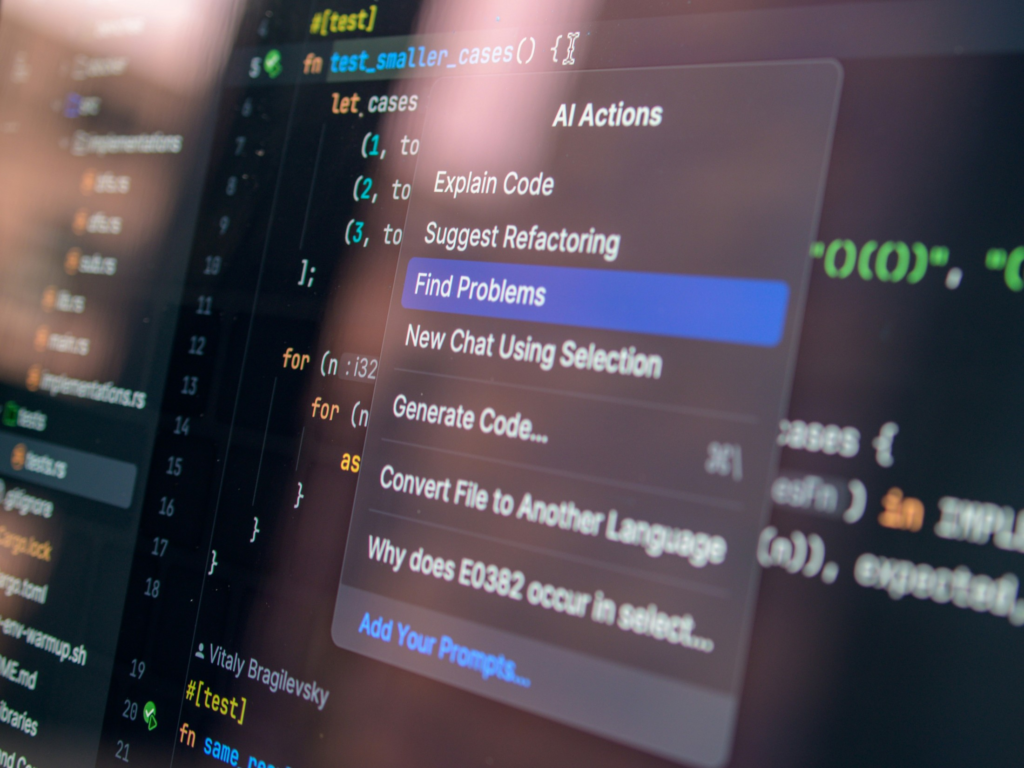
Coding & Tech: AI Tools for B.Tech and BCA Students
These three tools are essential for engineering and computer science students — covering AI-assisted coding, cloud compute for ML projects, and high-quality reasoning for complex technical problems.
| 11 | GitHub Copilot Best coding AI — completely free for students [FREE FOR STUDENTS] [WORKS IN INDIA] [MUST-HAVE] |
Most Indian students do not know this: GitHub Copilot is completely free for students through the GitHub Education program. It autocompletes code, suggests entire functions, explains what code does, and helps you learn programming patterns. For students grinding LeetCode or building placement projects, it is like pair-programming with a senior developer, available 24/7.
- Autocompletes code in real-time within VS Code, JetBrains, and other major IDEs
- Explains what any code snippet does in plain English — great for understanding legacy code
- GitHub Education Pack includes Copilot + dozens of other premium developer tools free
- Verify student status with college email or student ID — approval takes 1-3 days
- Supports Python, Java, C++, JavaScript, and all major programming languages
PRO TIP: Apply at education.github.com/pack with your college email. If your college doesn’t have a .edu domain, you can upload a photograph of your student ID card or fee receipt.
| Free Tier | After Graduation | Best For | Needs VPN? |
| Free with student ID | ~Rs.840/month | B.Tech, BCA coding projects | No |
| 12 | Google Colab Free cloud Python and GPU — no laptop required [FREE GPU ACCESS] [WORKS IN INDIA] |
Google Colab gives every Indian student access to free cloud-based Python with GPU support — eliminating the hardware barrier for AI/ML projects. Students from Tier-3 cities with basic laptops can now train machine learning models, run data science projects, and complete AI assignments that previously required expensive hardware.
- Free GPU access for training machine learning models — no hardware required
- Pre-installed with TensorFlow, PyTorch, pandas, NumPy, and all data science libraries
- AI code completion built in — suggests the next line of code automatically
- Share notebooks with professors and classmates via Google Drive link
- Free for standard usage; Colab Pro at ~Rs.900/month for more GPU time
PRO TIP: For B.Tech final year ML projects, Colab Pro One-time purchase (~Rs.900) gives enough GPU time to train serious models — far cheaper than renting AWS or Azure instances.
| Free Tier | Pro | Best For | Needs VPN? |
| GPU + storage free | ~Rs.900/month | ML projects, data science | No |
| 13 | Claude (Anthropic) Best for complex reasoning, writing quality, and debugging [FREE TIER] [WORKS IN INDIA] |
Claude is widely regarded as the highest-quality AI for writing and analysis, and for coding explanations that prioritise learning over just producing code. For B.Tech students, Claude Sonnet 4.6 is particularly strong at explaining why code works a certain way — building understanding rather than just supplying answers.
- Produces the clearest, most academically rigorous writing of any free AI
- Exceptional at debugging code and explaining the reasoning behind each fix
- Strong at complex multi-step reasoning — useful for case studies and management assignments
- Handles very long documents — useful for thesis review and long case analysis
- Free tier on claude.ai gives access to Claude Sonnet 4.6 with daily message limits
PRO TIP: When Claude gives you code, follow up with: ‘Explain what each section of this code does and why you chose this approach.’ This turns code generation into a learning exercise.
| Free Tier | Pro | Best For | Needs VPN? |
| Daily message limit | ~Rs.1,700/month | Writing quality, code learning | No |
· · ·
Presentations & Design Tools
Presentations & Design: Professional Results Without Design Skills
These two tools let any student create professional-quality presentations, posters, and visual project reports — no design training required.
| 14 | Gamma Best AI presentation builder — seminar decks in 2 minutes [10 DECKS/MONTH FREE] [WORKS IN INDIA] |
Gamma builds a complete, professionally designed presentation from a text prompt in under two minutes. Type your seminar topic, choose a style, and Gamma generates the content, layout, and visuals. The output looks significantly better than most manually made PowerPoint presentations — without any design skills needed.
- Generate a full presentation deck from just a topic title or brief description
- AI suggests content structure, section headings, and visual layouts automatically
- 10 AI-generated decks per month on the free plan — sufficient for most students
- Export to PDF or PowerPoint format for submission or offline use
- Works directly in-browser — no download or installation required
PRO TIP: Provide Gamma with more than just the topic. Include: ‘Create a 12-slide presentation on [topic] for a [subject] seminar at an engineering college. Include an introduction, 3 main sections, examples, and a conclusion.’
| Free Tier | Plus | Best For | Needs VPN? |
| 10 decks/month | ~Rs.840/month | Seminars, project presentations | No |
| 15 | Canva AI Best for posters, infographics, and visual project reports [FREE TIER] [WORKS IN INDIA] |
Canva’s free plan includes AI-powered Magic Design that generates complete poster and infographic layouts from a prompt, background removal, and text-to-image generation for custom visuals. For students who need to design project posters, event notices, and visual reports, Canva AI produces professional results without any design training.
- Magic Design generates complete visual layouts from a brief text description
- Text-to-image AI creates custom graphics and illustrations for presentations
- Huge library of academic report, project poster, and resume templates
- No credit card or international payment required — UPI-compatible billing
- Core AI features available on the free plan — no upgrade needed for most student use cases
PRO TIP: Use Canva’s resume builder with AI suggestions — it formats your resume to ATS (Applicant Tracking System) standards, which matters for campus placement applications at large companies.
| Free Tier | Pro | Best For | Needs VPN? |
| Core AI features free | ~Rs.500/month | Posters, resumes, infographics | No |
· · ·
Quick Comparison
All 15 AI Tools at a Glance
Use this table to quickly find the right tool for your specific need, budget, and language preference.
| # | Tool | Best For | Free Tier | INR Cost | Hindi? |
| 01 | ChatGPT | All subjects, writing, Q&A | GPT-4o unlimited | Rs.0 (Go, till Dec 2026) | Yes |
| 02 | Perplexity AI | Research with citations | 5 Pro searches/day | Free (student Pro) | Partial |
| 03 | Grammarly | Grammar, writing quality | Grammar + spelling | ~Rs.800/mo | No |
| 04 | QuillBot | Paraphrasing, summaries | 125 words/use | ~Rs.700/mo | No |
| 05 | Google NotebookLM | Study from your own PDFs | Fully free | Rs.0 | Yes |
| 06 | Google Gemini | Hindi, Google Workspace | Gemini 2.0 Flash | Free (student Pro) | Yes (best) |
| 07 | Notion AI | Notes, study planning | Notes only (no AI) | ~Rs.800/mo | No |
| 08 | Doubtnut | JEE/NEET problem solving | Fully free | Rs.0 | Yes (best) |
| 09 | Socratic by Google | NCERT Class 9-12 | Fully free, no limits | Rs.0 | Partial |
| 10 | SciSpace | Research papers, M.Tech | Limited uploads/mo | ~Rs.1,200/mo | No |
| 11 | GitHub Copilot | Coding, placements | Free with student ID | Rs.0 (student) | N/A |
| 12 | Google Colab | ML projects, data science | Free GPU access | Rs.0 (free tier) | N/A |
| 13 | Claude | Writing quality, reasoning | Daily message limit | ~Rs.1,700/mo (Pro) | Partial |
| 14 | Gamma | Presentations, seminars | 10 decks/month | ~Rs.840/mo | No |
| 15 | Canva AI | Posters, resumes, design | Core AI features free | ~Rs.500/mo (Pro) | Partial |
· · ·
Budget Toolkit
The Best AI Toolkit for Every Budget
The right combination of tools depends on your monthly budget and what you are studying. Here are three recommended stacks tested specifically for Indian students in 2026:
| Rs.0 / Month Stack ChatGPT (Go plan, free till Dec 2026)Google NotebookLMPerplexity AI (free tier)Grammarly (free tier)Doubtnut / SocraticGitHub Copilot (student ID)Google ColabCanva AI (free tier) | Rs.500 / Month Stack All Rs.0 stack toolsCanva Pro (Rs.500/mo)Grammarly PremiumGamma free tierQuillBot free tier | Rs.1,500 / Month Stack All Rs.500 stack toolsPerplexity ProQuillBot PremiumNotion AI (Plus)SciSpace (for M.Tech) |
· · ·
Academic Integrity
AI Ethics for Indian Students: What You Need to Know
Indian universities are actively updating their AI usage policies in 2026. AICTE has issued updated guidelines, and tools like Turnitin and GPTZero are now widely used in Indian colleges to detect AI-generated content.
| ✅ ACCEPTABLE AI USE Use AI for research and brainstorming, not final submission content. Use AI to understand concepts (not to avoid engaging with them). Use AI to improve the clarity and grammar of your own writing. Always verify AI-generated facts with primary sources — AI tools can and do make errors. |
| ⚠️ WHAT TO AVOID Submitting AI-generated text as your own original work in assignments or exams. Copying AI outputs without critical engagement or verification. Using AI during closed-book examinations. Citing AI tools as primary academic sources without proper methodology disclosure. |
| 📋 CHECK YOUR COLLEGE POLICY Always check your institution’s specific AI policy before submitting any AI-assisted work. Policies vary significantly between DU, IITs, NITs, and private colleges. When in doubt, cite your AI usage in the methodology section — transparency is always safer than concealment. |
The most practical framework: use AI as a study partner that is available 24/7, not as a replacement for your own thinking. Your understanding of the material is what gets tested in exams — and no AI tool can attend your viva or internship interview for you.
· · ·
Frequently Asked Questions
Common Questions From Indian Students
Q: Which is the best AI tool for students in India in 2026?
For most Indian students, the best starting combination is ChatGPT (Go plan, free until December 2026) for general Q&A and writing, Google NotebookLM for studying from your own PDFs, and Perplexity AI for research that requires citations. If you are a Class 9-12 student, add Socratic by Google or Doubtnut for NCERT problem-solving.
Q: Are AI tools free for students in India?
Yes — a meaningful set of AI tools is genuinely free for Indian students in 2026. ChatGPT Go is free for 12 months under a promotional offer, Google NotebookLM is completely free, GitHub Copilot is free with a student ID, Google Colab provides free GPU access, and Doubtnut is fully free. A student spending Rs.0 per month can access tools worth over Rs.2 lakh per year.
Q: Which AI tool is best for JEE and NEET preparation?
For JEE and NEET, the most effective combination is: Doubtnut (photo-based problem solving in Hindi), NotebookLM (upload PYQs and analyse topic frequency), and ChatGPT (concept explanations on demand). Use Doubtnut for specific problem-solving methods, NotebookLM for strategic revision, and ChatGPT for understanding the underlying physics or chemistry concept when stuck.
Q: Do AI tools work in India without a VPN?
All 15 tools listed in this guide work in India without a VPN. ChatGPT, Gemini, Perplexity, NotebookLM, Grammarly, QuillBot, GitHub Copilot, Google Colab, Claude, Gamma, and Canva are all accessible directly on Indian internet connections on any standard 4G connection.
Q: Is it ethical to use AI tools for college assignments?
Using AI for research, brainstorming, understanding concepts, and improving your writing is generally acceptable. Submitting AI-generated text as your own original work is not — and Turnitin and GPTZero are now widely deployed in Indian colleges to detect this. The right approach: use AI to understand and think better, then write in your own words.
Q: Which AI tool is best for B.Tech students in India?
B.Tech students should prioritise: GitHub Copilot (free coding assistant), Google Colab (free GPU for ML projects), Claude (best for understanding code and debugging explanations), and SciSpace (for technical research papers). Apply for the GitHub Education Pack immediately — it gives you Copilot plus over Rs.1 lakh worth of other developer tools completely free.
Q: Can AI tools work in Hindi for Indian students?
Yes. Google Gemini has the strongest Hindi support and integrates with Google Workspace. Doubtnut provides solutions in Hindi for NCERT and competitive exam content. ChatGPT understands Hinglish prompts naturally and can respond in Hindi. For regional languages beyond Hindi, Gemini currently offers the broadest support including Tamil, Telugu, Bengali, and Marathi.
Conclusion
Start With Three Tools, Not Fifteen
The most common mistake students make with AI tools is trying to use all of them at once and becoming overwhelmed. The better approach: start with three tools that solve your most pressing problems, master them in the first two weeks, then add more as needed.
If you are a school student preparing for board exams: start with ChatGPT, Socratic, and Grammarly. If you are a college student: start with ChatGPT, NotebookLM, and Perplexity. If you are a B.Tech student focused on placements: start with GitHub Copilot, ChatGPT, and Claude.
AI does not replace studying — it amplifies it. The students who will consistently outperform in India’s competitive academic and job market in 2026 are those who learn to use these tools thoughtfully, not those who avoid them or those who over-depend on them.